AI TOOL / #07326
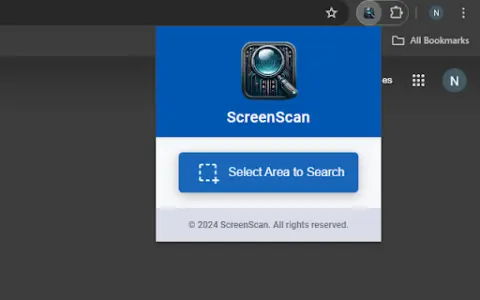
ScreenScan – Instant Screenshot Search
Google Lens: Instantly capture, search, and explore images, videos, and text online.
Introduction
Google Lens: Instantly capture, search, and explore images, videos, and text on the web.
What is the Google Lens AI Chrome extension/plugin?
Google Lens is a powerful tool that allows users to instantly capture, search, and explore any image, video, or text online with a simple tap. It uses advanced image recognition technology to provide relevant information and insights based on what it sees. Whether you want to identify a plant, translate text in real time, find similar products, or learn about a landmark, Google Lens can help you discover more about the world around you.
How do I use the Google Lens AI Chrome extension/plugin?
Simply tap an image, video, or text on a web page, and Google Lens will analyze the content and provide relevant information, search results, and related actions.
Core Features of the Google Lens AI Chrome Extension/Plugin
Image Recognition
Text Translation
Product Identification
Object Recognition
Visual Search
Text Translation
Product Identification
Object Recognition
Visual Search
Related
RenamerX
Batch rename files with local AI
Aftershoot
AI-powered photo sorting and editing software designed to help professional photographers streamline their post-production tasks.
Itsimple AI
An AI-powered bookmark manager, note-taking app, and personal profile link tool.
Roboflow
A computer vision platform designed for building and deploying models, which offers automated tools for these purposes.
Bank Statement Extractor
A tool that instantly and securely converts PDF bank statements into Excel.
GetInvoice
Artificial intelligence-based software for automating the processing of invoices and receipts.