AI TOOL / #07230
hahaOCR
Extract text from the image; press the ESC key to exit.
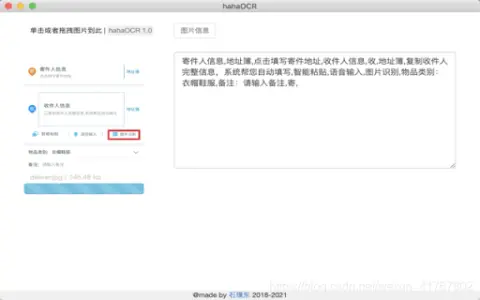
Introduction
Extract text from images and exit with ESC.
What are the Image to Text and ESC Exit App AI Chrome extensions/plugs?
This application allows users to extract text from images and convert it into editable text. Users can upload images by clicking a button and exit the application by pressing the “ESC” key.
How to use the Image to Text & ESC Exit App AI Chrome extension/plug-in?
Click the upload button to select an image. The application will automatically extract the text from the image and display it. Press the “ESC” key to exit the application.
The core functionality of the Image to Text and ESC Exit App AI Chrome extension/plugin.
Image to Text conversion
Use the ESC key to exit the function.
Use the ESC key to exit the function.
Related
Ping Path
Navigation apps designed for people with visual impairments, which utilize artificial intelligence, augmented reality, and spatial audio technology.
background-remover.com
Free online tools automatically remove image backgrounds while maintaining high quality.
Aliexpress Search by image
Browser extension that allows you to search for products on AliExpress using images.
rudeCaptcha
RudeCaptcha uses AI to verify humanity by detecting offensive content.
AVCLabs Video Enhancer AI
Provides AI-driven video and photo enhancement and editing solutions.
Free AI Baby Generator
AI tools are used to predict what a baby’s face will look like in the future.