AI TOOL / #06796
AutoPod
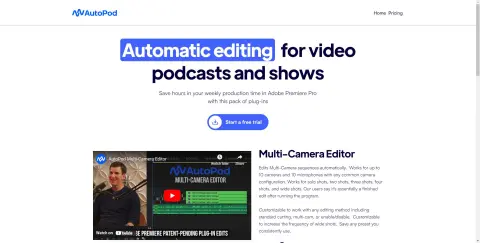
An Adobe Premiere Pro plugin for automatic video podcast editing.
Introduction
Adobe Premiere Pro plugin for automatic video podcast editing.
What is AutoPod?
AutoPod is a set of plugins for Adobe Premiere Pro, designed specifically for video podcast and video program editors. It automates tasks such as multi-camera editing, creation of social media-ready content, and seamless editing based on audio silence markers. By streamlining processes that often prove time-consuming for editors, AutoPod helps to save valuable production time every week.
How to use AutoPod?
Install the AutoPod plugin in Adobe Premiere Pro. Open a project file in Premiere Pro, navigate to Window > Extensions, and then click on the desired AutoPod application. Use these tools to automatically edit multi-camera videos, create social media-ready clips, or add transitions based on audio silence.
The core functions of AutoPod
Automatic multi-camera editing
Social media content creation
Jump-cut editing
Social media content creation
Jump-cut editing
Related
Instructly
An AI-powered content creation tool that generates high-quality content quickly and cost-effectively.
JoyPix.ai
AI interactive video generator with avatar generator, voice cloning and AI lip sync.
Aria – Speaking AI Assistant
This voice-activated AI assistant enables hands-free access to the AI GPT functionality on iOS, Android, and VisionPro devices.
Novels AI
A platform for creating personalized audiobooks, with the user as the protagonist.
Sierra
A dialogue-based artificial intelligence platform designed to enhance the customer experience for enterprises.
Notta
Artificial intelligence-based transcription and meeting note-taking services that offer real-time transcription and translation capabilities.