AI TOOL / #06325
ChatGPT Voice Assistant
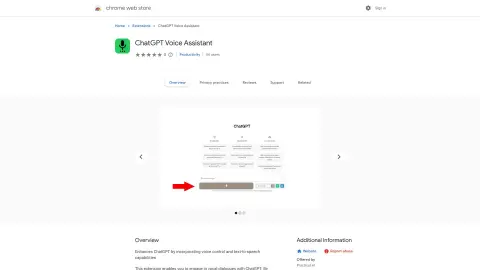
The voice-activated ChatGPT interface supports text-to-speech conversion and multiple languages.
Introduction
Voice-activated ChatGPT interface with text-to-speech and multi-language support.
What is the ChatGPT Voice AI Chrome extension/plug-in?
This tool allows you to capture voice input and send it to ChatGPT. The responses generated by the system can be listened to aloud (this option can be disabled if desired). It supports multiple languages, and you can start capturing voice data by clicking the microphone button or holding down the spacebar.
How to use the ChatGPT Voice AI Chrome extension/plug-in?
Click the microphone button or hold down the spacebar to record your voice input. This tool will send your recorded voice to ChatGPT, which will then read out the response. You can also choose to disable the text-to-speech function if you prefer to read the responses directly.
The core functions of the ChatGPT Voice AI Chrome extension/plug-in
Voice input for ChatGPT
Text-to-speech output generated by ChatGPT
Multilingual support
Capture voice input using the microphone button or the spacebar.
Text-to-speech output generated by ChatGPT
Multilingual support
Capture voice input using the microphone button or the spacebar.
Related
saystory
Voice-to-AI platforms simplify the process of content creation.
DET Practice
A comprehensive platform for Duolingo English test preparation with AI-driven tools and extensive resources.
ByteVoice
Use voice commands to control the programming agent.
ireadfaster
A browser extension designed for YouTube summaries and transcript generation, based on OpenAI technology.
AI Transcribe
An offline AI-driven application for transcribing audio, video, and podcasts.
agentz.ai
AI-powered digital receptionists enable 24/7 customer interaction and automation of various tasks.