AI TOOL / #06276
Message AI
Cross-platform AI chat application that supports iCloud synchronization, as well as text-to-image and text-to-speech functions.
Introduction
Cross-platform AI chat app with iCloud sync, text-to-image, and text-to-speech.
What is Message AI – GPT TTS?
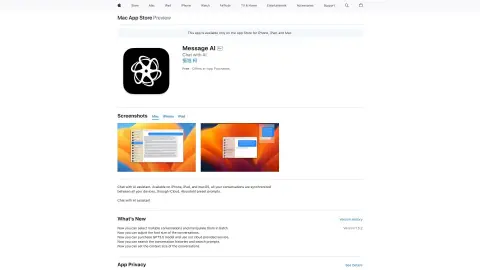
Message AI – GPT TTS is a cross-platform application available for iPhone, iPad, and Mac. It enables users to chat with the AI assistant, synchronize conversations across devices via iCloud, and utilize features such as text-to-image and text-to-speech conversion. The app also offers a keyboard extension that allows access to the AI within any other application, and supports custom prompts.
How to use Message AI – GPT TTS?
Download the app from the App Store, start a conversation, and chat with the AI assistant. You can also use the keyboard shortcuts in other apps to access the AI features. Customize the prompts and make use of the text-to-image and text-to-speech functions.
The core functionality of Message AI – GPT TTS
AI chat assistant
Cross-device iCloud synchronization
Text-to-image generation
Text-to-speech function
Customizable prompts available.
Accessing AI-powered keyboard extensions in any application.
Cross-device iCloud synchronization
Text-to-image generation
Text-to-speech function
Customizable prompts available.
Accessing AI-powered keyboard extensions in any application.
Related
AI Context Bridge
Just @ the AI in the chat box and feed the webpage right in.
GenPage
A marketing tool that automatically generates landing pages for each advertisement.
Viibeo
An AI tool for generating faceless short videos and automatically publishing them.
NNScholar
Integrated AI Research Literature Workspace
PixVerse R2
Real-time generation of interactive video worlds
Loqito
Voice memos can be easily converted into social media posts with just one click.