AI TOOL / #05809
DigiFace
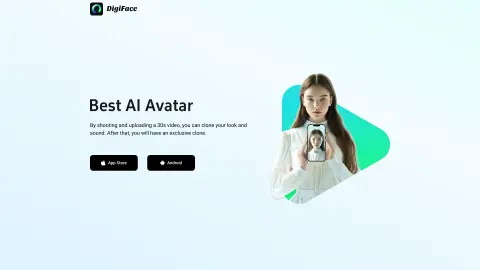
DigiFace uses 30-second videos and text to generate AI-generated avatar videos.
Introduction
DigiFace creates AI avatar videos from a 30s video and text.
What is DigiFace?
DigiFace allows you to seamlessly transform your appearance and voice into an engaging AI avatar video by simply recording and uploading a 30-second video. By entering text, you can instantly generate an AI avatar video with synchronized speech, saving time and improving productivity. With just one 30-second video recording, you can create a clone of yourself in terms of both appearance and voice – and thus obtain a unique digital version of yourself.
How to use DigiFace?
Record and upload a 30-second video to clone your appearance and voice. Then, enter the text you would like to have appear on your avatar, and DigiFace will generate an AI avatar video with that voice.
The core functions of DigiFace
Generation of AI avatars and videos
sound cloning
Physical appearance cloning
Text-to-speech avatar videos
sound cloning
Physical appearance cloning
Text-to-speech avatar videos
Related
Google Meet Transcripts
An AI meeting assistant for Google Meet with transcription, summarization, and other features.
Detail AI Video Content Maker
A platform for recording and editing videos and podcasts, equipped with AI-powered features.
Needl
Needl is an AI assistant designed for instant document searches, appointment arrangements, and customer support services.
Guest Glance
An AI tool and platform designed for podcast producers, aimed at helping them find guests, conduct research, edit audio/video content, and manage interviews.
Lecture Notes AI
An AI-powered app that records lectures and generates summaries to improve note-taking.
MindoraAI
An all-in-one AI platform that offers tools for content creation, image processing, video production, and coding.