AI TOOL / #10978
Read Out: AI Reader
A free browser extension that provides artificial intelligence-based text-to-speech conversion services.
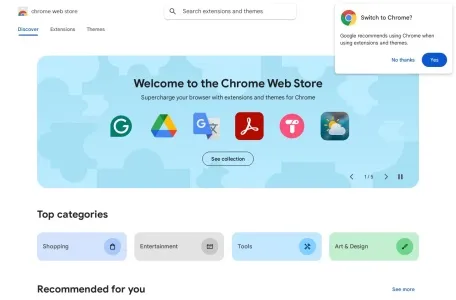
Introduction
Free browser extension for AI-powered text-to-speech functionality.
What is the Read Out AI Chrome extension/plug-in?
Read Out is a free browser extension that offers multi-language artificial intelligence-based text-to-speech conversion services. To use it, simply select the text you would like to hear, right-click on it, and choose “Read Out”. The extension will then convert the text into natural human speech. In addition, you can also utilize the pop-up window provided by this extension to read any copied text on any web page – this window can be accessed through the icon located in your browser’s navigation bar.
How to use the Read Out AI Chrome extension/plug-in?
Select the text, right-click on it, and choose "Read Out" to convert the text into audio. Use the pop-up window to listen to the copied text being read aloud.
The core functions of the Read Out AI Chrome extension.
Multilingual artificial intelligence text-to-speech conversion
Related
When Chrome turns into Rambo…
Testing the old T-Rex model and comparing it with Opus, Gemini, and GPT.
SKYWAKE flight mission
Fable 5.2 + Opus 5.5 + Crayon + three.js
Stray Cat Game
Saving little cats, barking at dogs, and howling together with my husband’s cat—all these sounds are combined into one.
Midnight Grid: Nighttime City Racing
An open-world driving game created using just a single line of code: race through the city, crash into other vehicles, and evade police pursuit. All the vehicles, buildings, textures, and sound effects were generated entirely through programming.
Silicon Seduction
When you escape, don’t let any temptations lure you back.
Fighter Game (voiced by ElevenLabs)
Fable 5.2 combined with ElevenLabs MCP: the perfect experience for using a keyboard on a desktop computer.